


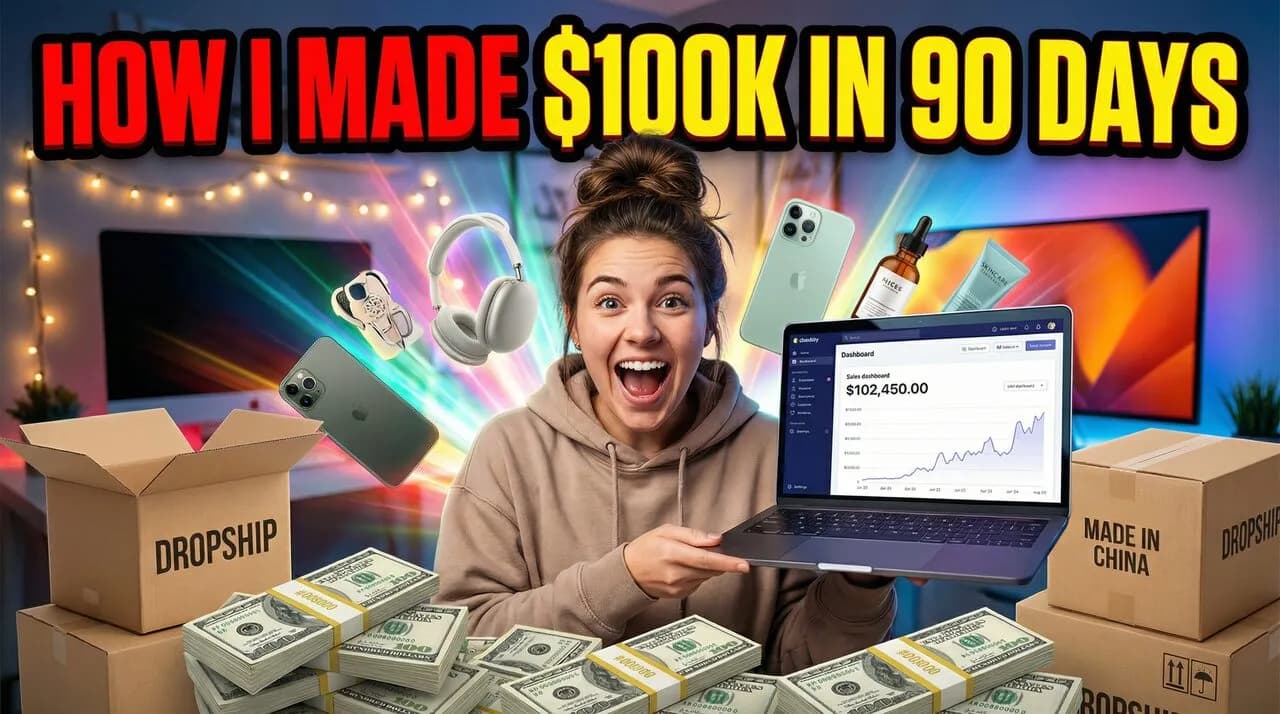
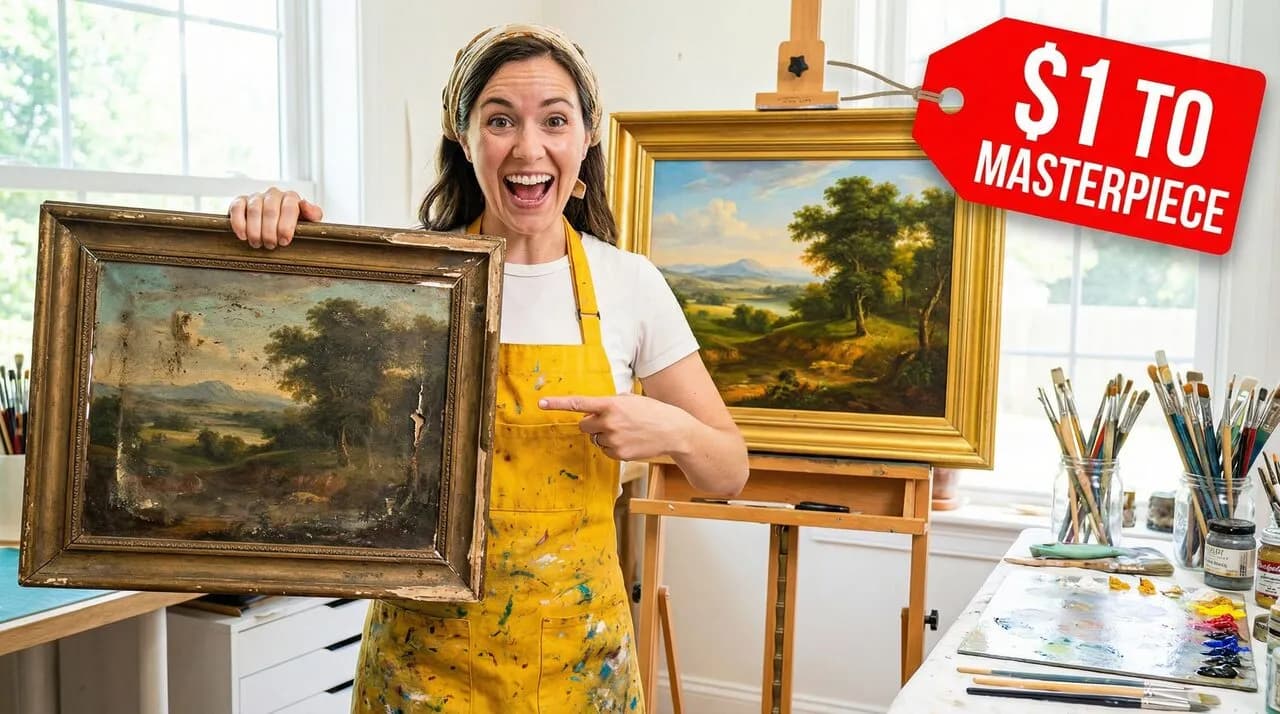
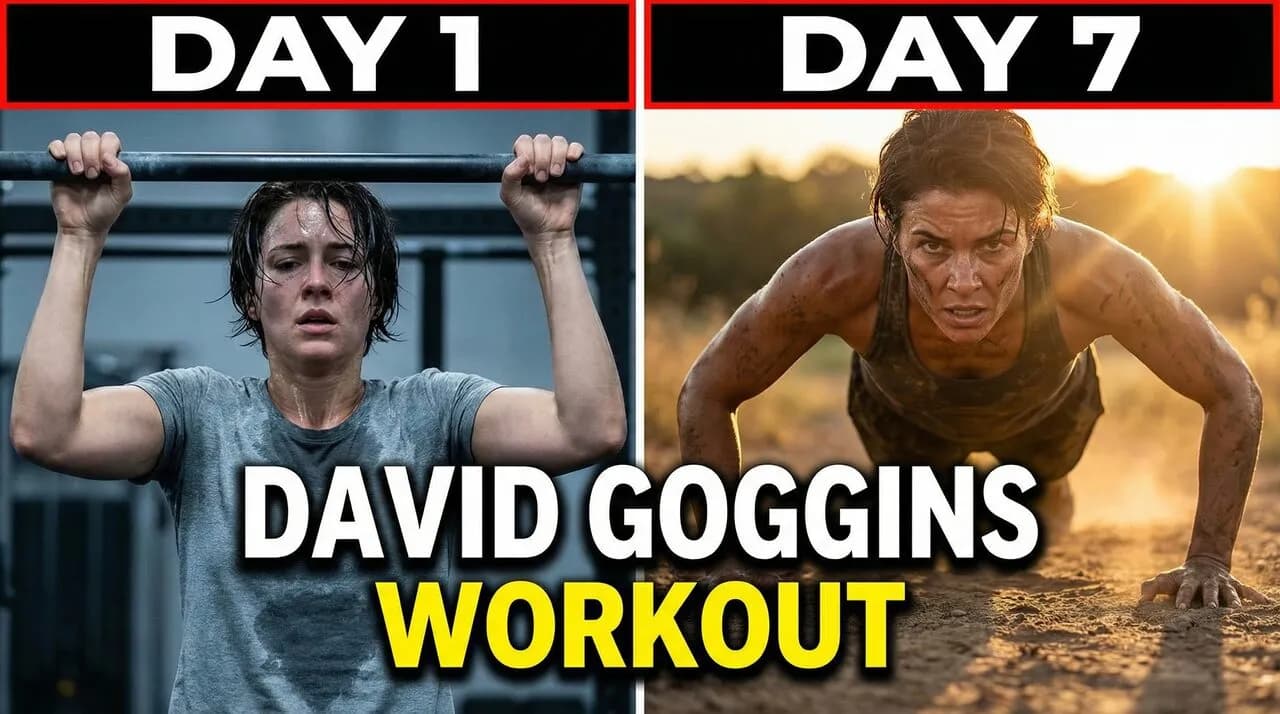


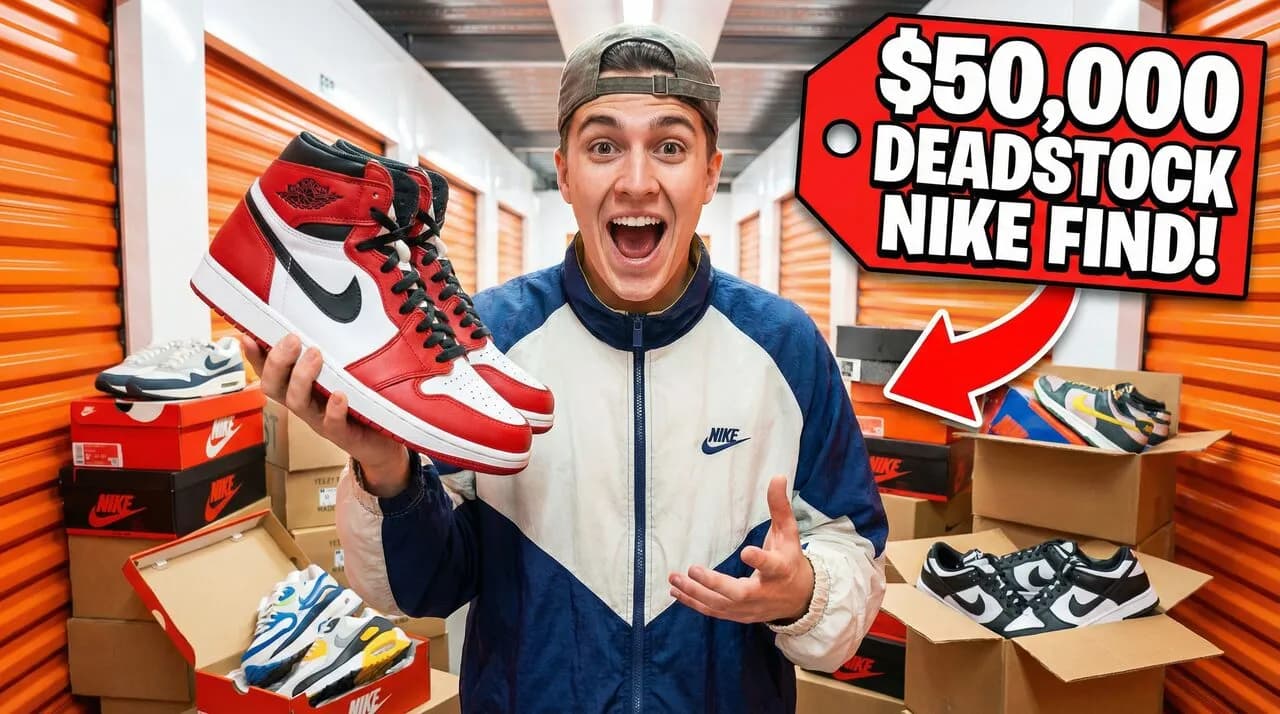

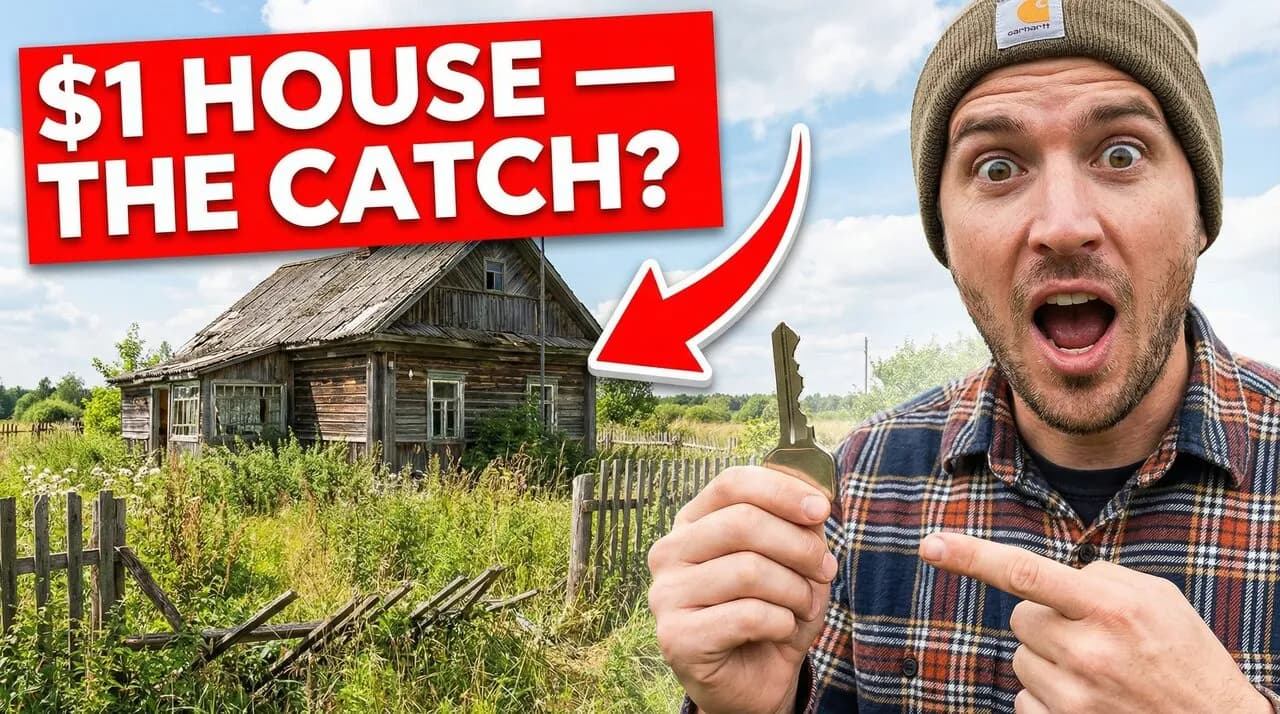

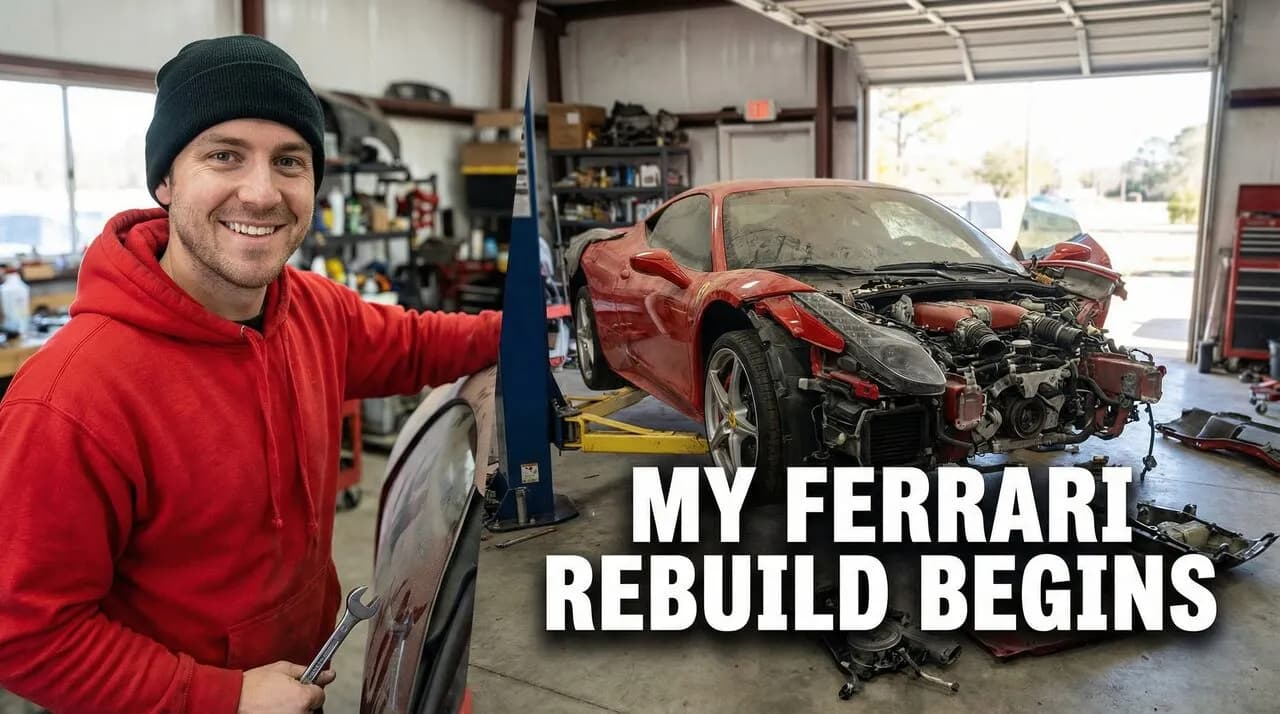


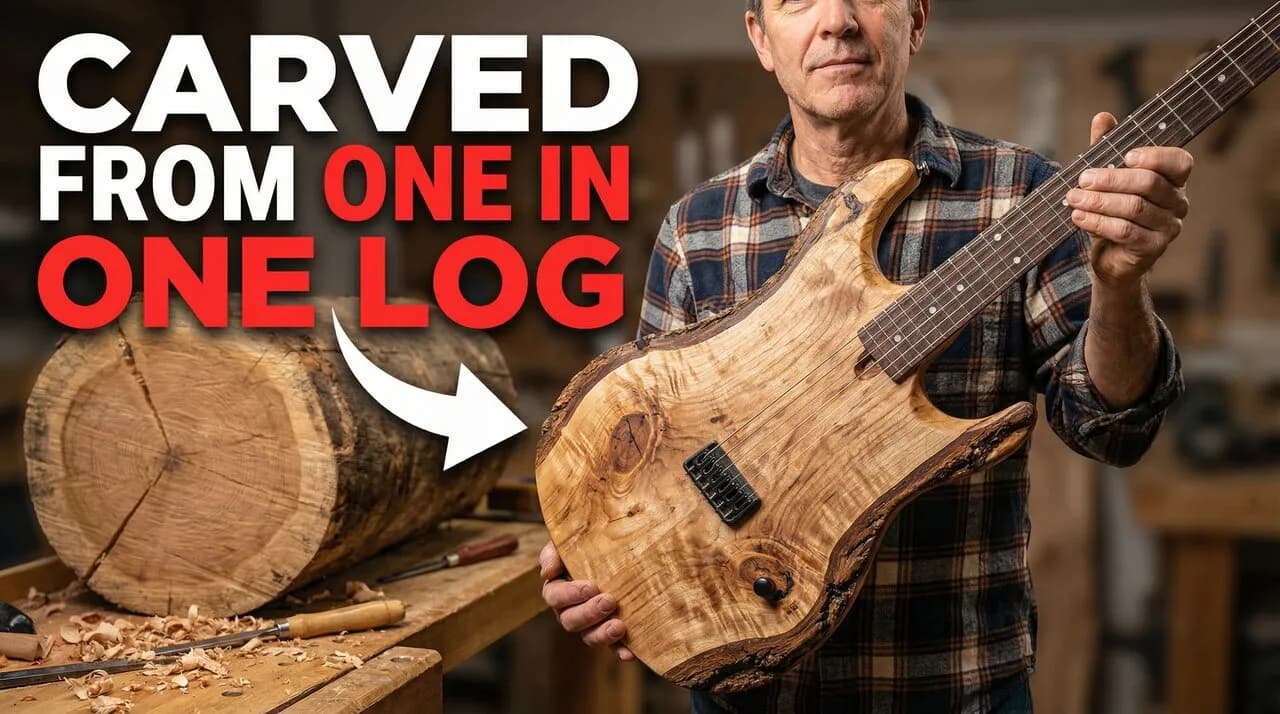
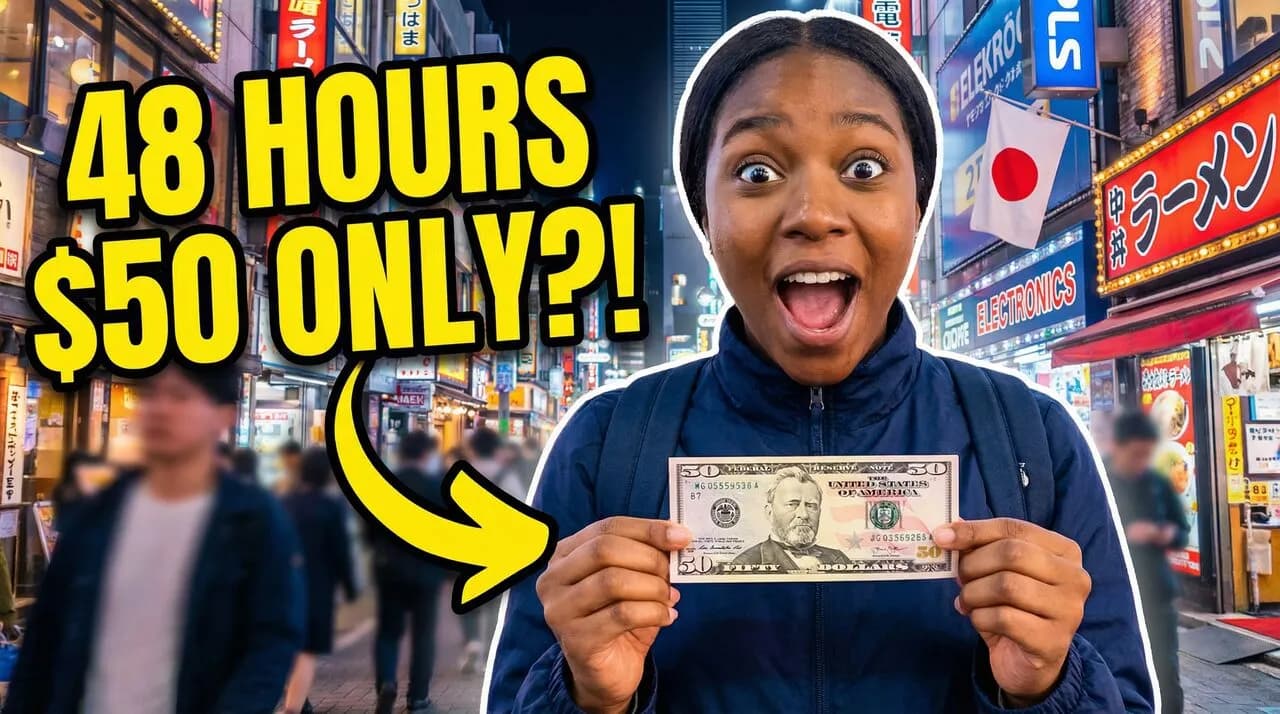
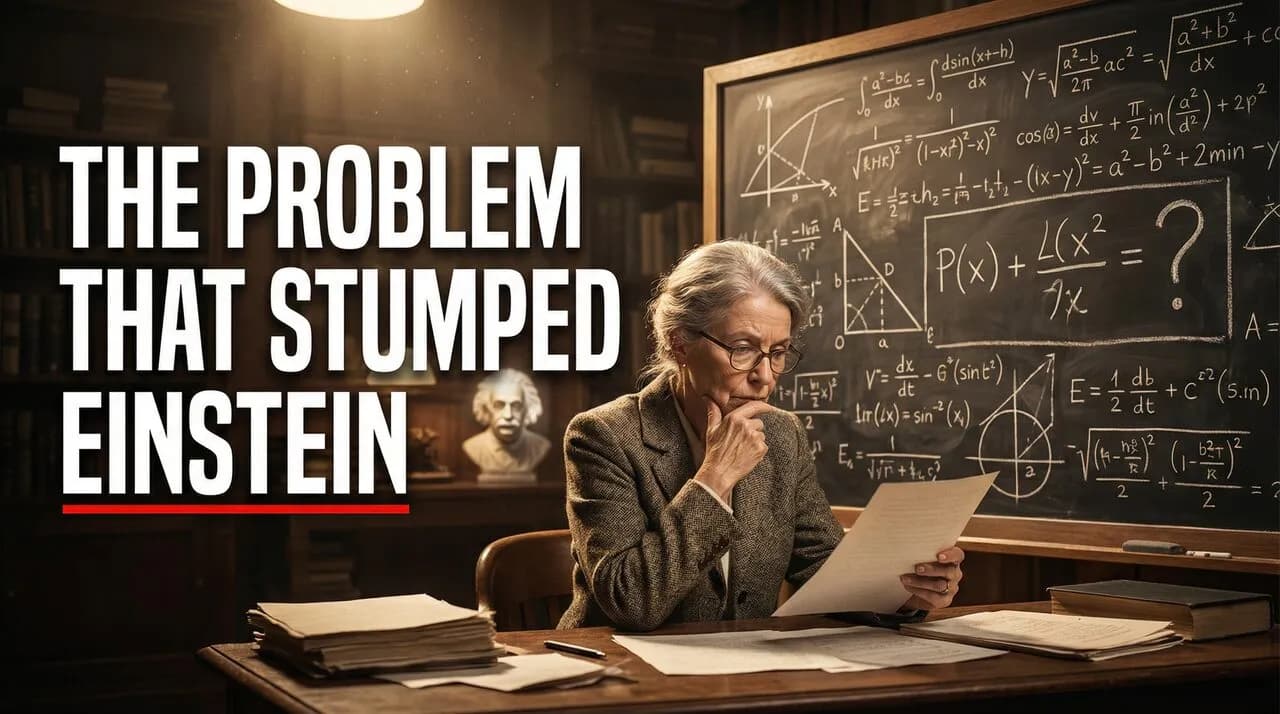
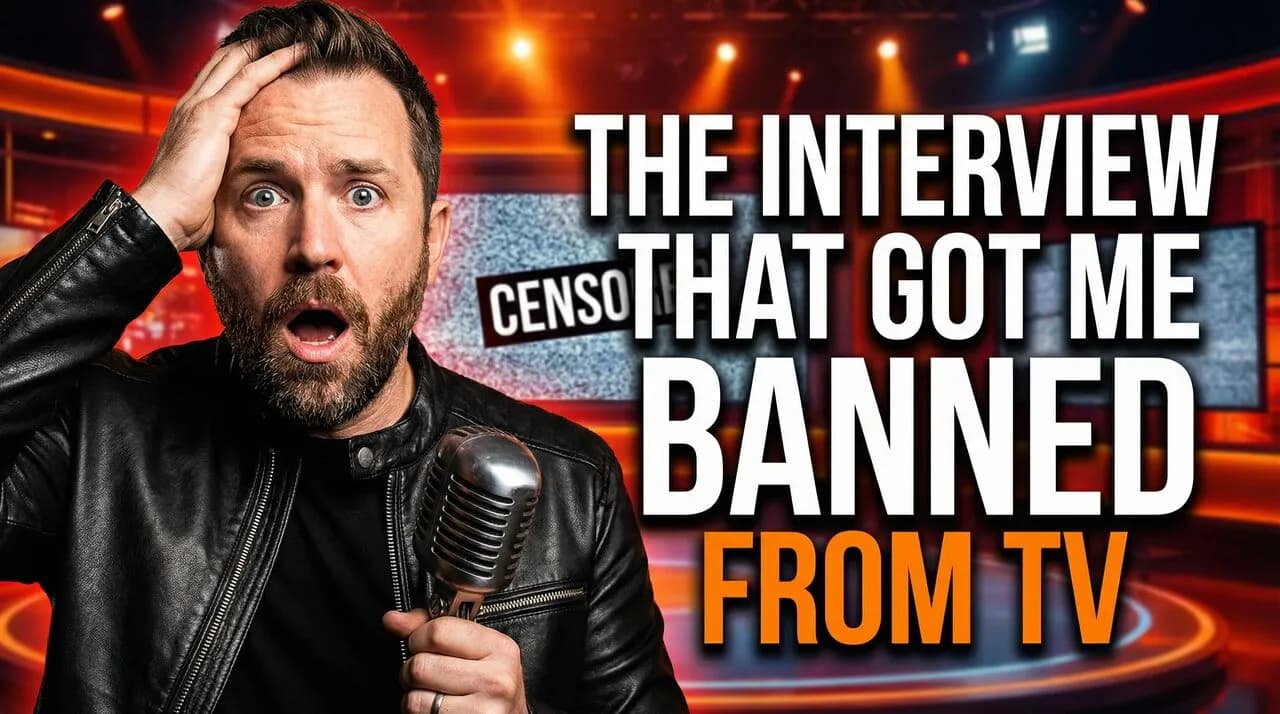

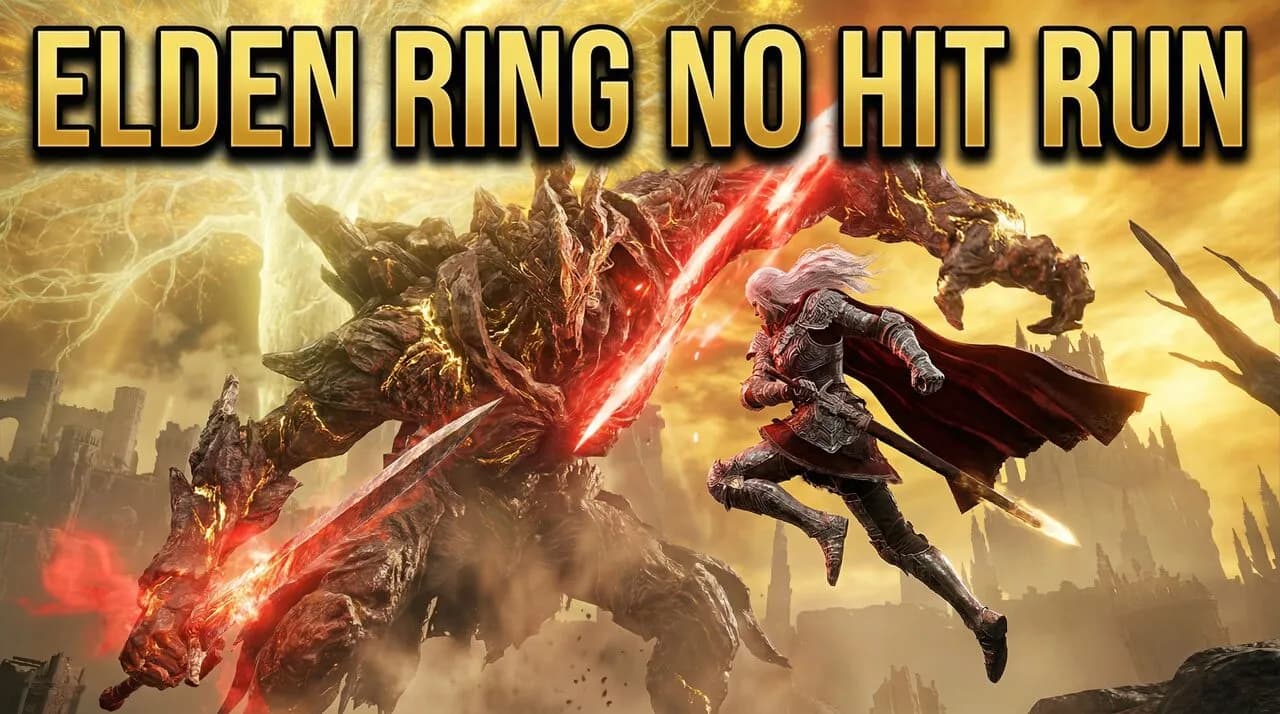

AI-designed thumbnails that match your channel's style.
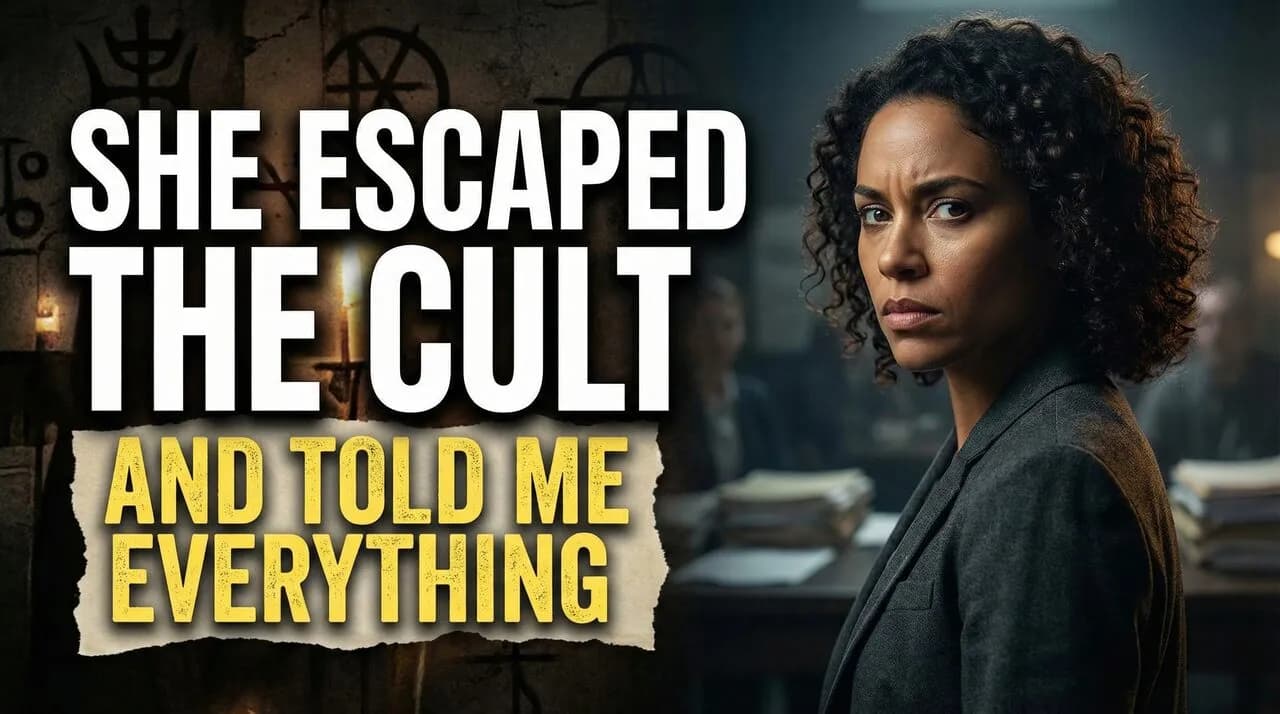
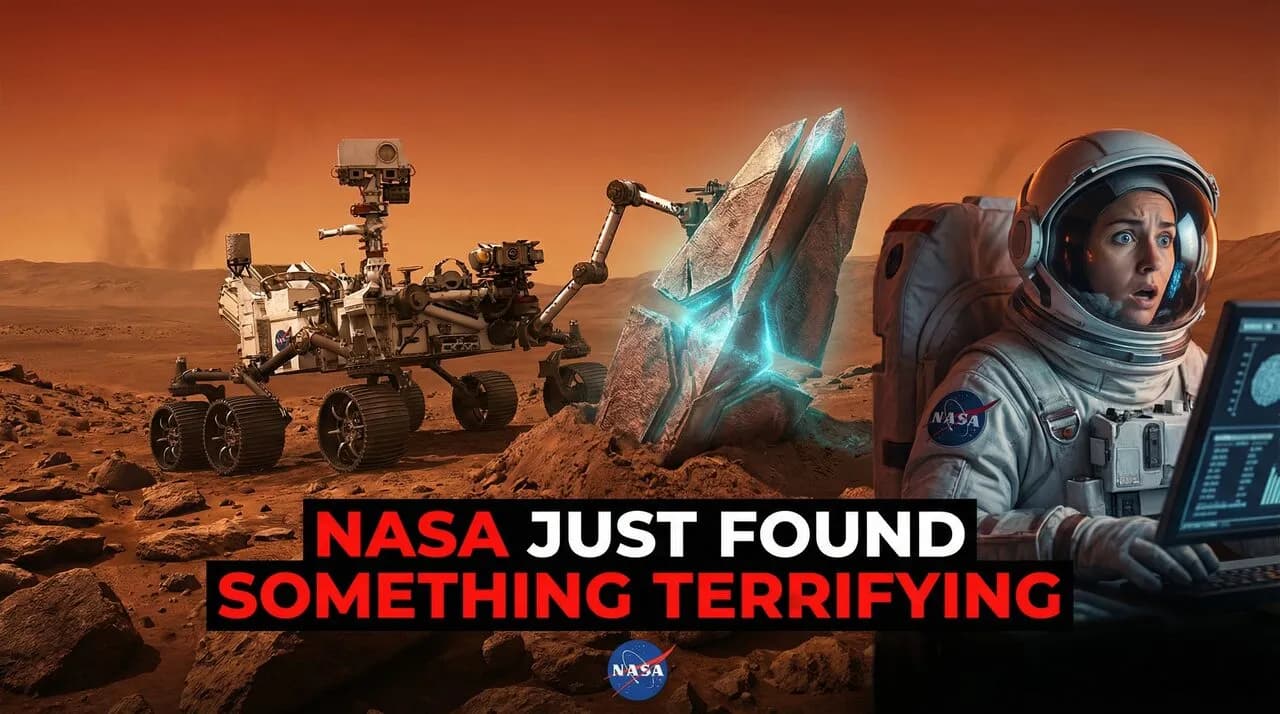
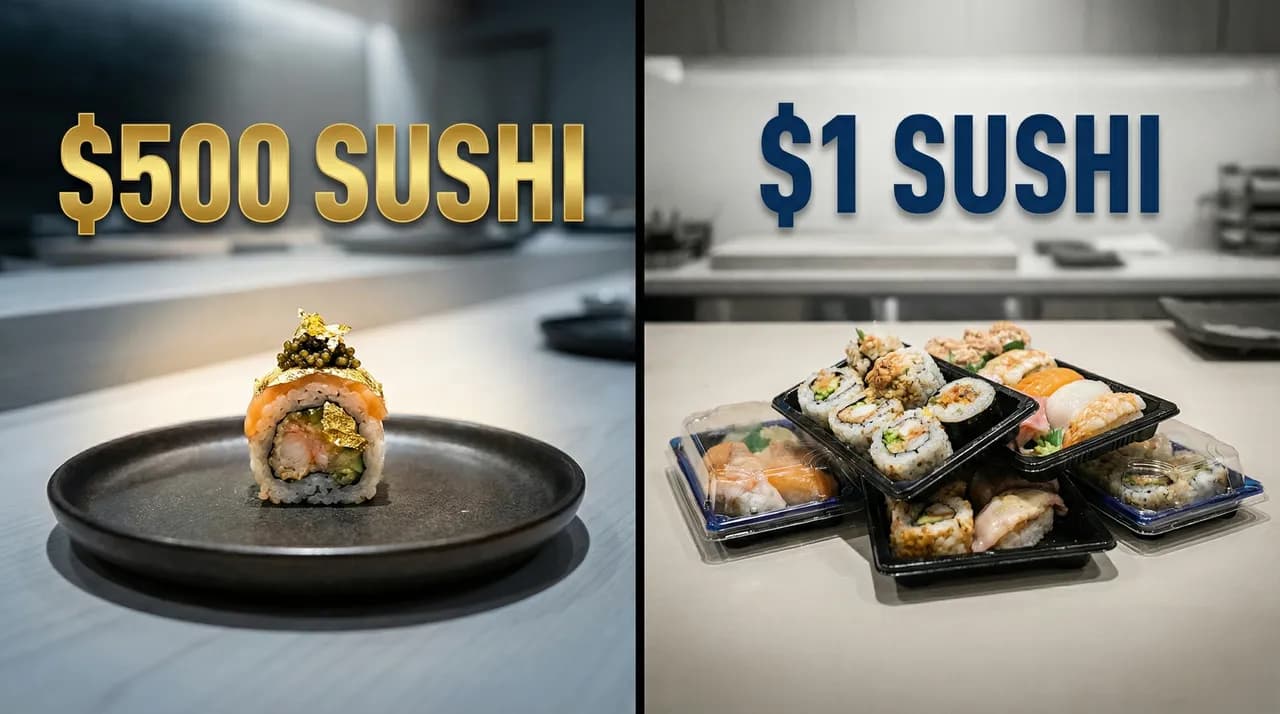
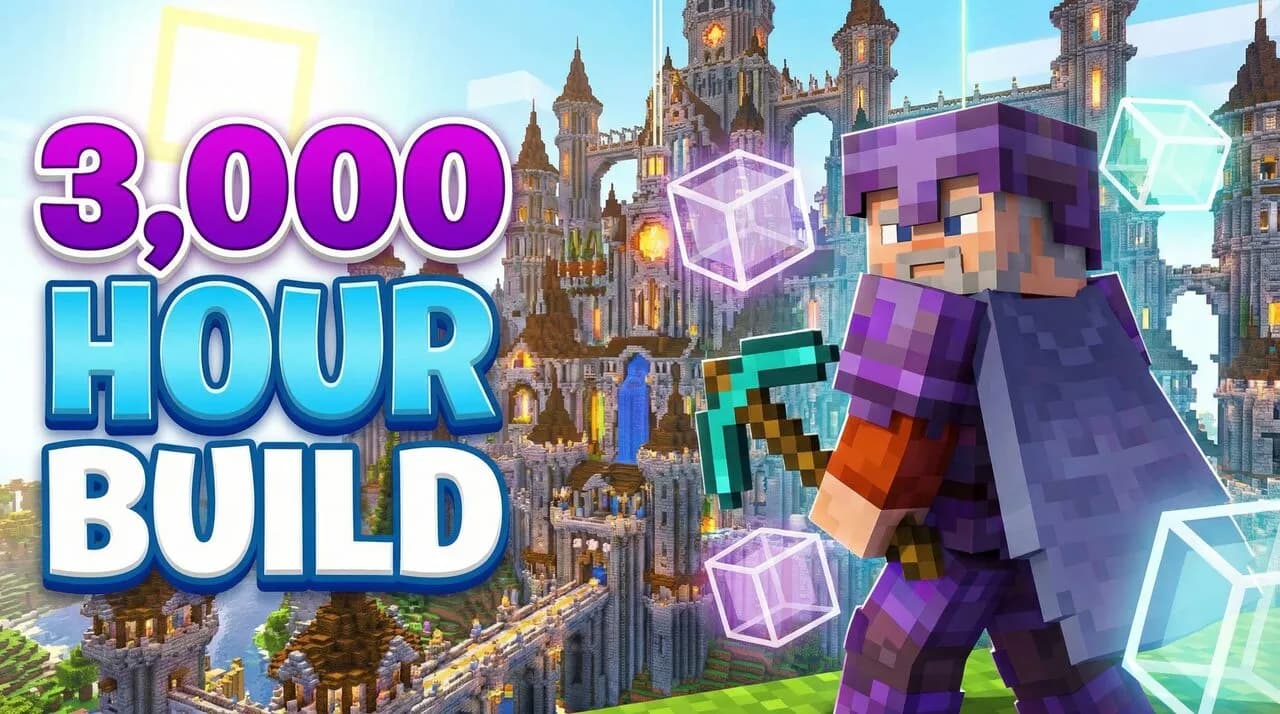
AI that studies winning thumbnails in your niche and generates click-worthy options for your channel.
No signup required
A great video with a bad thumbnail is a video nobody sees.
It's not the algorithm. It's not your content. It's the packaging.
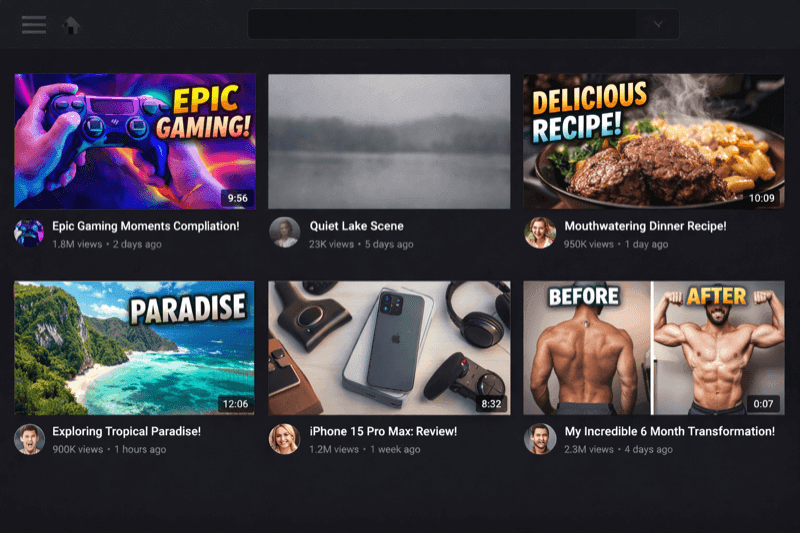
Nobody notices your thumbnail.
YouTube states thumbnails and titles are the #1 factor viewers use to decide what to watch. Your thumbnail disappears in the feed — ignored before your video even gets a chance.
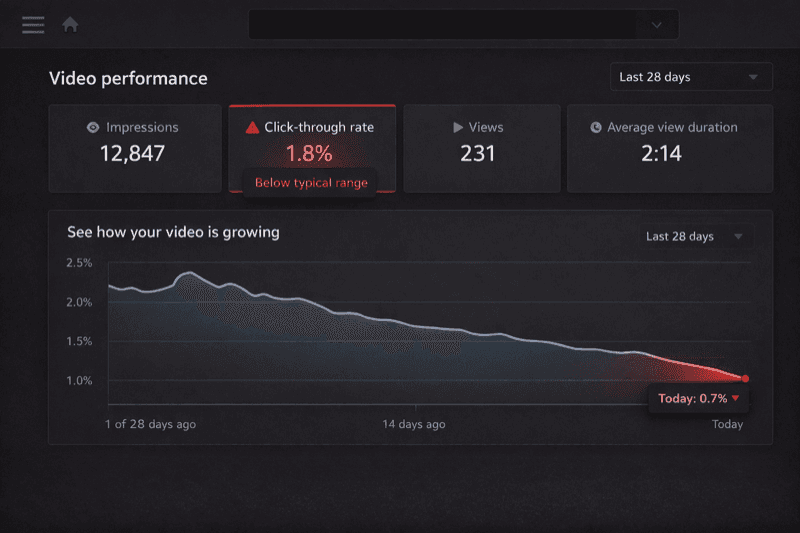
Accepting low CTR as normal.
YouTube reports 2-10% as the typical CTR range. A single percentage-point improvement on 10,000 impressions means 100 more viewers per upload. No testing, no data — just another loss.
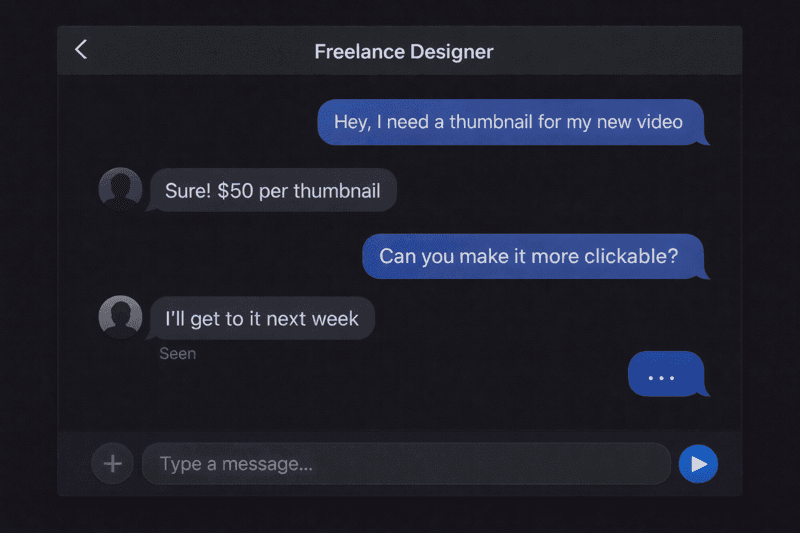
Workflows that slow you down.
Freelance thumbnail designers charge $30-80 per thumbnail. At weekly uploads, that's $1,500-4,000/year before revisions. Canva's generic. Photoshop takes hours. Freelancers ghost.
Describe your video. Get thumbnails that match your brand.
ThumbBoost learns your channel's visual DNA and generates on-brand thumbnails in seconds. Not generic AI art — your style.
My video about quitting my 9-to-5 job to become a full-time creator






Three steps. Sixty seconds.
Connect your channel
AI learns your colors, fonts, and style. Once.
Describe your video
Get an on-brand thumbnail in ~60 seconds.
Pick your winner
Compare CTR scores, export, publish. Done.
~3 hours
- Open Canva, start from blank
- Iterate for hours, "more clickable please"
- Doesn't match channel style
- Upload one option, hope for best
~60 seconds
- Describe video, get a thumbnail instantly
- AI matches your channel's visual DNA
- AI predicts click-through rate
- Export and publish with confidence
Why not just use...
ChatGPT / Midjourney
- Style DNA
- CTR Scoring
- Face Swap
- One-Click Export
General AI generates images but doesn't know your channel colors, CTR patterns, or YouTube's thumbnail best practices. Every generation starts from scratch.
Canva / Photoshop
- Style DNA
- CTR Scoring
- Face Swap
- One-Click Export
Design tools give you control but no intelligence. You choose colors, fonts, and layout manually — typical creation time: 1-3 hours per thumbnail.
ThumbBoost
- Style DNA
- CTR Scoring
- Face Swap
- One-Click Export
Channel Style DNA learns your visual identity once. Every thumbnail generates in ~60 seconds, pre-scored across 8 CTR factors before you publish.
From $16/month. Less than one freelance thumbnail.
Simple, transparent pricing
No surprises or hidden fees. Cancel anytime.
Pro
Everything you need to create stunning thumbnails
Less than one freelance thumbnail per month
- 2,000 monthly credits
- Up to 20 AI generations
- CTR scoring & analysis
- Channel style matching
- AI creative director
Stop designing. Start generating winners.
Every thumbnail is a chance for more clicks. Make it count.
Questions? We've got answers.
How does AI generation work?
Describe your video idea in plain language, and ThumbBoost generates a thumbnail using a two-phase AI pipeline: first content analysis (understanding your video's niche, emotion, and hook), then visual design (art direction, composition, and styling). The AI uses your channel's visual style to keep every thumbnail on-brand — matching your colors, typography, and composition.
You can iterate with follow-up prompts, swap faces, and adjust styles until you're happy. 8 specialized tools handle everything from face-consistent generation to targeted edits.
What is Channel Style DNA?
When you connect your YouTube channel, ThumbBoost analyzes your last 15+ published thumbnails to extract your visual identity — dominant colors, text styles, font preferences, composition patterns, and overall aesthetic. This "Style DNA" profile ensures every AI-generated thumbnail feels like it belongs on your channel, without you specifying brand guidelines manually.
How accurate is CTR scoring?
CTR scoring uses AI to analyze your thumbnail across 8 weighted factors: emotional impact (20%), color usage (14%), visual clarity (13%), text readability (13%), mobile-friendliness (13%), curiosity gap (13%), composition (10%), and brand consistency (4%). These produce a 0-100 overall score.
Scores are niche-relative — they compare against top performers in your specific content category, with placement-aware adjustments for Home, Search, and Suggested feeds. It's a prediction, not a guarantee — but it helps you compare options and pick the strongest variant before publishing.
Can I upload my own thumbnails?
Yes! You can upload existing thumbnails to preview and compare them. But most creators use AI generation — describe your video, get an on-brand thumbnail, and iterate winner. No design skills needed.
Can I paste a YouTube link instead of describing my video?
Yes, paste any YouTube URL and the AI automatically extracts the title, description, and tags to generate thumbnails matched to your video's content and niche.
What is the face reference library?
Upload reference photos of yourself or recurring people. The AI maintains face identity across all generated thumbnails, so your face looks consistent every time.
Why does ThumbBoost use Google Sign-In?
ThumbBoost uses Google Sign-In to securely identify your account — no extra passwords to remember. If you choose to connect your YouTube channel, we also access basic YouTube data (your channel name, thumbnails, and video metadata) to analyze your visual style and generate on-brand thumbnails.
We only request the minimum permissions needed. We never post to your channel, modify your videos, or share your data with third parties. You can disconnect your YouTube channel or delete your account at any time from your profile settings. See our Privacy Policy for full details.
Are my thumbnails private?
Yes, completely private by default. Here's how it works:
- Only you can see your uploads
- You can delete projects anytime — thumbnails are removed immediately
- We don't use your images to train AI models or share them publicly
Can I cancel anytime?
Yes, cancel in 2 clicks from your account settings. Here's what happens:
- You keep full access until the end of your billing period
- Your projects and export history remain available for 30 days after cancellation
- No hidden fees, no questions asked
- Reactivate anytime if you change your mind
Still have questions? Email us — we typically respond within 24 hours.